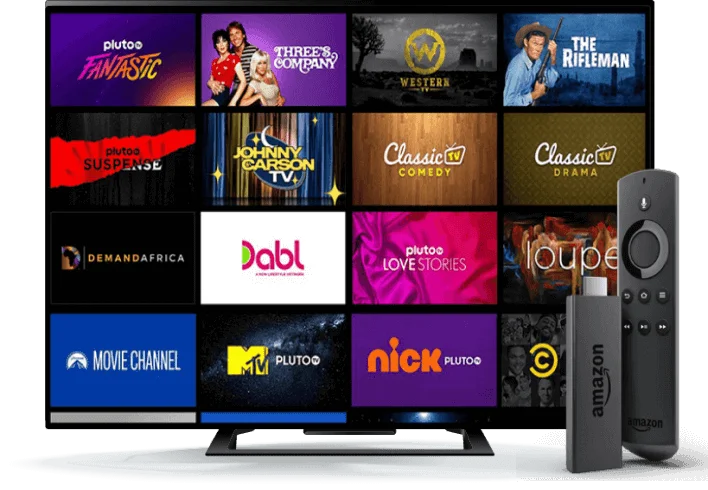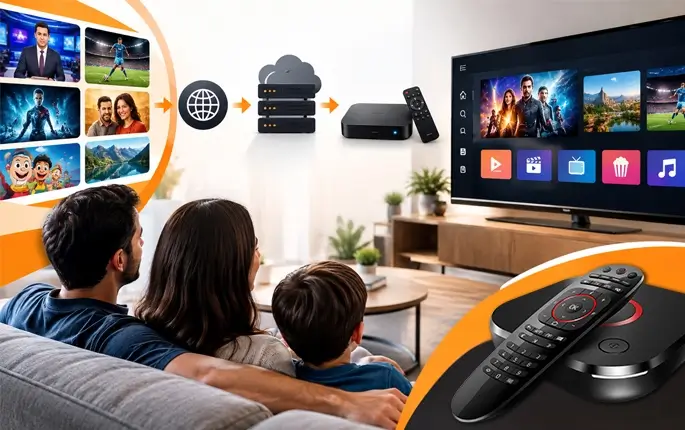
More families in the USA are moving away from cable these days. Bills keep going up and half the channels never get watched anyway. So people start looking at IPTV which sends TV over the internet and works on a phone, a smart TV or a streaming stick. It sounds simple and most of the time it is.
However, the market is crowded and not every service is the same. Some are great and some are a headache from day one. Before you hand over your card details it helps to know what to ask. Here are the things worth checking with any IPTV provider USA before you pay.
- Which channels are really included?
Big numbers on a website look nice but they don’t mean much. 10,000 channels sounds huge until you realize your family only watches fifteen of them. So check the list. If your house watches Hindi news or regional films, look for those channels before anything else.
Channels get removed sometimes too and that’s normal but the provider should be upfront about how they handle it. The good ones keep their list updated and tell you when something changes so you’re never left guessing.
- How does the IPTV provider app USA work?
The app is where you will spend all your time so it matters more than people think. You can have the best channels in the world but if the app is slow or keeps crashing, nobody at home will want to use it. Find out if the IPTV provider app USA is a proper dedicated app or if you have to download some third party player on your own.
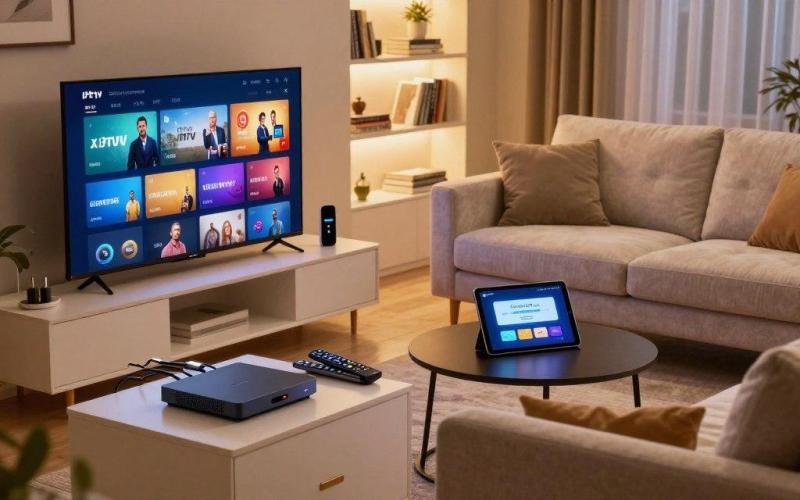
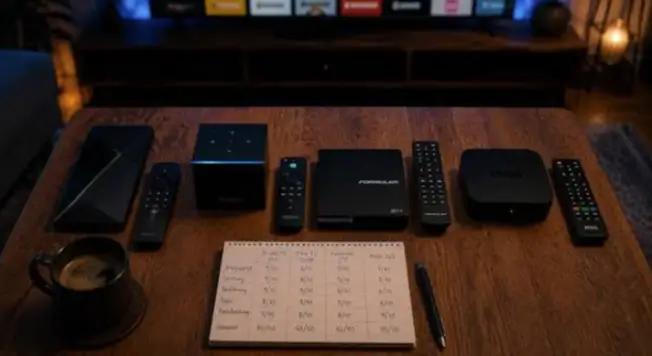
Check that it runs on your devices whether that’s Android, iPhone, Fire TV or a smart TV. A menu is a big plus because you can see what’s on now and what’s coming next. Pausing and rewinding live shows is another small thing that feels huge once you get used to it.
- How many devices can you use at once?
Most homes have more than one screen going. Dad has the news on in the living room, the kids are watching a movie in the bedroom and someone else is on the phone. That’s normal life. The thing is some providers only let you stream on one screen at a time and then charge extra if you want more. Others give you two or three connections in the base plan. It’s a quick question to ask but it saves you from that annoying moment when the second TV just won’t load after you have already paid.
- What internet speed do you need?
IPTV runs on your internet so your connection decides how good the picture looks. Weak wifi means buffering and freezing and that gets old really fast. Ask the provider what speed they suggest for HD and what they suggest for 4K.
Roughly speaking around 25 Mbps is usually fine for one or two streams but a bigger family with lots of devices running together will need more than that. If your TV is close to the router you can also plug in a cable. A wired connection almost always gives a smoother picture than wifi so it’s worth doing for the main TV.
- Does it have catch up or recording?
Live TV is great but nobody is home at 8 PM every day. Ask if the service lets you watch a show later if you miss it. Some have catch-up TV for the last few days and some let you record shows and save them. This matters a lot for families who work odd hours or want to watch a serial after the kids go to sleep.
It’s one of those features you don’t think about until you miss your favorite show and can’t get it back. Find out which channels have it too because it’s not always available on all of them.
- Can you try it before paying fully?
Testing a service first is the smartest move you can make. See if there’s a free trial and then use it properly. Don’t just open it for two minutes and close it. Watch in the evening when everyone is online because that’s when weak services start to struggle.
Look at the picture and see how quick channels open when you flip around. If something feels off you’ll catch it early and not after paying for a whole year. And if there’s no trial at all, a refund policy is the next best thing. A provider who believes in their service usually offers one or the other.
- What does customer support look like?
Something will go wrong at some point with any service. The app stops loading or a channel goes black right in the middle of a big match. What really counts is how fast a person helps you fix it. Find out if support is on live chat, email, phone or WhatsApp and what hours they work.
A team that only answers at 3 AM your time won’t help much. Here’s a little trick: send them a question before you buy anything and see how long they take to reply. That one test tells you almost everything about how life will be after you become a customer.
- What is the real price and how does billing work?
The price on the banner is not the full story. Check for extra charges for more devices or special channels. Renewals matter a lot too. Some providers pull you in with a small price and then increase it when it’s time to renew.
Also check if billing is automatic or if you pay manually each time. Long plans can be a great deal since the monthly cost drops but only when the service is solid. A smarter way is to start with a shorter plan and move to a longer one once you trust it.
- Which payment methods are safe?
How you pay is part of the deal. Trusted providers usually take common options like cards or well known payment platforms and they send a proper receipt every time. Be careful with anyone who only accepts strange payment methods that are hard to trace or who won’t give you an invoice. You want a clear record of what you paid for just in case you ever need help or a refund down the road.
- What do other customers say?
The last thing is to look at what real people are saying. Check reviews on different sites and not only the ones sitting on the provider’s own website. Look for patterns. One bad review can happen to anyone but if lots of people complain about the same thing like constant buffering then take that seriously. Also see how long the provider has been around. A brand that has served customers in the USA for years is usually a safer pick than one that popped up last week.
A quick checklist before you pay
Before you finally say yes go through this list in your head. Does it have the channels your family wants? Does the app work on your devices? Can you use enough screens at once? Is your internet good enough? Can you catch up on shows you missed? Is there a trial or refund? Can you reach support easily? Is the full price clear? Is the payment method safe? Do real customers trust it? If you can say yes to most of these then you are probably looking at a decent IPTV provider USA families can rely on.
Final thoughts
Switching to IPTV can save money and give you more control over what you watch but only if you pick the right service. Taking ten minutes to ask these questions can save you from wasted money and a lot of stress later. Never rush into a deal just because the price looks cheap and make sure the provider is properly licensed for the channels it sells. Ask questions and test the service. A good provider will be happy to answer all of it.
If you are looking for a service that keeps things simple, IPTV Services is worth a look. It offers channels that matter to families in the USA along with an easy to use IPTV provider app USA that viewers can set up on their favorite devices. You can check the plans and see how it fits your home before you decide.